

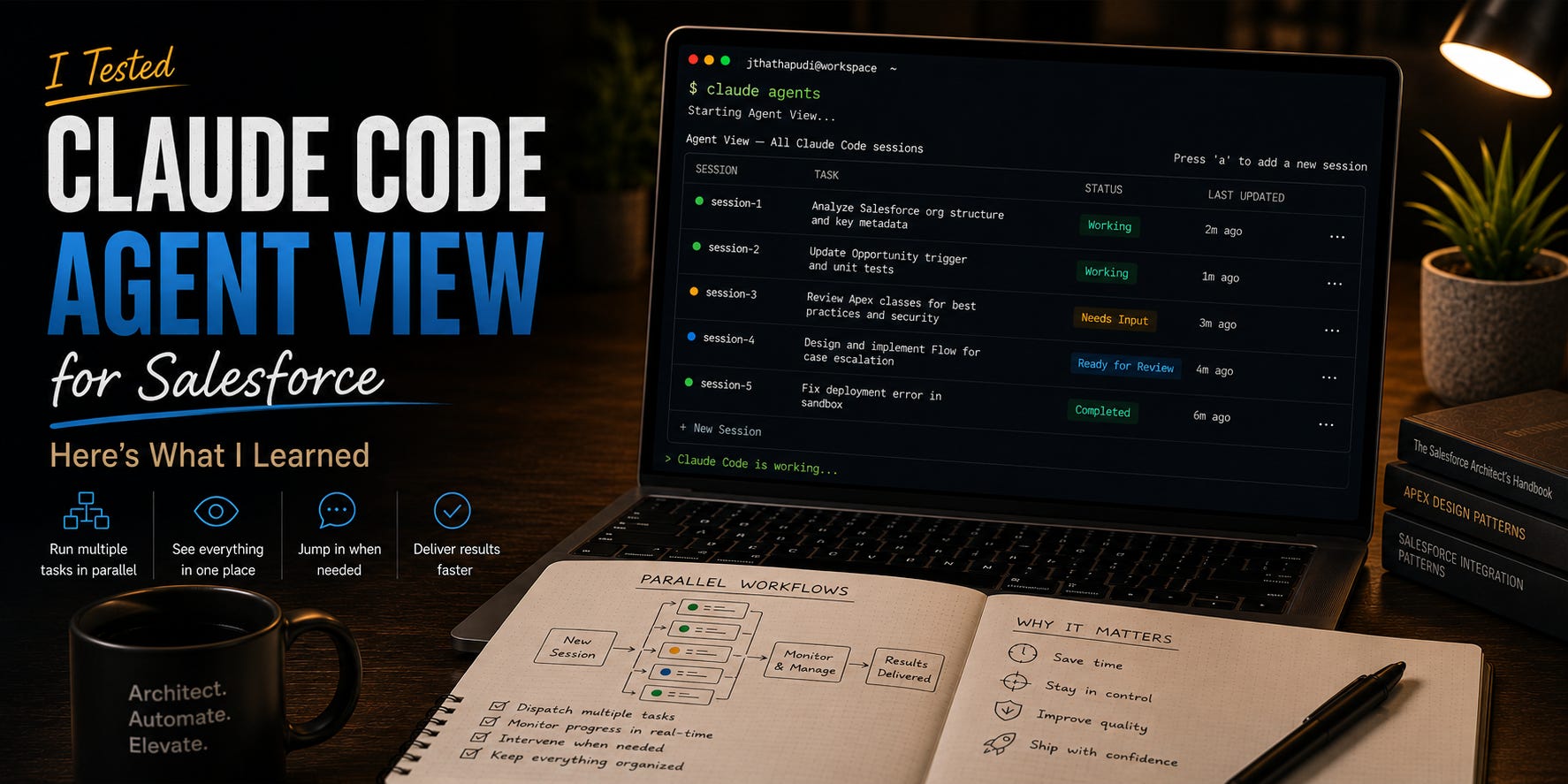
I tested the new Claude Code Agent View in the terminal with a simple Salesforce workflow.
The part that stood out was not that it can run more AI tasks.
It was that I could finally see the work.
Before Agent View, my Salesforce workflow could get messy fast.
If I was working across multiple Salesforce projects, I would open multiple terminal tabs:
- One for checking metadata
- One for the validation rule
- One for the trigger
- One for test notes
- One for release cleanup
That works for a while.
Then it becomes hectic.
You start asking basic questions:
- Which tab is still running?
- Which task already finished?
- Which one needs my input?
- Which Salesforce project was this session for?
- Did I already review that output?
Agent View gave me one terminal screen where I could dispatch, monitor, peek, attach, and step away without losing the thread.
For the test, I kept the Salesforce demo simple:
- An Opportunity amount validation rule
- An Account rating trigger
What clicked for me was the dashboard.
When I came back, I did not have to remember what was happening. The rows told me. One session was still working. One was waiting on me.
That “waiting on me” state mattered because, in my old setup, it was invisible. It lived in another tab, behind a scroll, in a conversation I had half-forgotten.
That is where Agent View felt useful.
Not “let AI build the whole project.”
More like:
Give each small Salesforce task a clear session, then supervise the outputs.
I wrote the full walkthrough here:
https://www.jthathapudi.com/blog/i-tested-claude-code-agent-view-for-salesforce-heres-what-i-learned